
RFID vs barcode – many businesses face this question as soon as they want to digitize their stockroom. Add QR codes and NFC, and every technology claims to be the answer. The honest answer: it depends on what you’re labeling, how often you capture data and how much you want to spend.
This guide explains the four technologies in plain terms, compares them in a table by read range, cost and durability, and shows what works in practice for typical use cases – from the screw shelf to the tool store and the stocktake.
Key points at a glance
- Barcodes and QR codes are cheap, readable with any smartphone and the best choice for most small and medium-sized stores.
- NFC works without line of sight at a few centimeters and holds up where labels would get dirty or rub off.
- UHF RFID captures many items at once from several meters – but needs its own readers and pays off mainly for large volumes.
- Often the combination is best: manufacturer barcodes for consumables, QR codes or NFC for tools.
Contents: The four technologies · Comparison table · Costs · Which for what? · 5 decision questions · Combine · Bluetooth trackers · Rollout · Myths · Applying labels · With Scanwiz · FAQ
The four technologies explained
Barcode (1D code)
The classic barcode stores a short string, usually an item or asset number. Well-known types are EAN-13 on retail goods and Code 128 and Code 39 in logistics and industry. The big advantage: almost every product you buy already carries a manufacturer barcode you can reuse. The drawback: a barcode needs line of sight and must be largely undamaged to be read.
QR code and Data Matrix (2D codes)
2D codes store data in a square pattern and hold far more characters than a barcode. They can be read from any angle and have built-in error correction: depending on the level, a QR code stays readable even when up to around 30 percent of its surface is damaged. Data Matrix is especially compact and is often engraved directly into metal or printed on medical devices. For labels you create yourself, the QR code is today’s standard.
NFC (Near Field Communication)
NFC is a variant of RFID in the high-frequency band (13.56 MHz) for very short distances of a few centimeters. A small chip with an antenna sits in a sticker, tag or key fob. To read it, you hold your phone against the tag – most current smartphones have NFC built in. Because the chip needs no line of sight, it also works under dirt, paint or a protective film.
RFID (Radio Frequency Identification)
RFID is the umbrella term for radio-based identification with transponders. There are three frequency bands: LF (125 to 134 kHz) with a few centimeters of range, HF (13.56 MHz, which includes NFC) and UHF (860 to 960 MHz) with typical ranges of several meters. When people talk about “RFID” in a warehouse, they usually mean passive UHF RFID: one reader captures many labels at once without anyone scanning individually – such as a whole pallet at goods receipt. Smartphones can’t read UHF RFID; that needs handheld readers, fixed antennas or gates.
RFID vs barcode: the comparison table
| Criterion | Barcode | QR code | NFC | UHF RFID |
|---|---|---|---|---|
| Reader | Smartphone, handheld scanner | Smartphone, handheld scanner | NFC-enabled smartphone | Dedicated reader or gate |
| Read range | Centimeters to a few meters (sight) | Centimeters to a few meters (sight) | A few centimeters | Typically several meters |
| Line of sight needed | Yes | Yes | No | No |
| Read many at once | No, one by one | No, one by one | No, one by one | Yes, bulk reading |
| Durable when dirty | Low | Medium (error correction) | High | High |
| On metal | No problem | No problem | Only with on-metal tag | Only with on-metal tag |
| Cost per label | Very low, often already there | Very low | Low to medium | Low to high (depending on tag) |
| Setup effort | Very low | Very low | Low | High |
The table shows the basic pattern: the less hardware and effort you want, the more likely you’ll end up with barcodes and QR codes. The more items you need to capture without manual work, the more interesting UHF RFID becomes. NFC sits in between: it needs no extra device but is more robust than a printed label.
What does each technology cost?
Costs come from three parts: the label per item, the readers and the effort of introducing it. The orders of magnitude:
- Barcode and QR code: labels from a label printer cost a few cents, durable polyester labels a bit more. Retail goods often already carry barcodes. A smartphone is enough as a reader; a handheld scanner for the issue counter is comparatively cheap.
- NFC: simple NFC stickers cost from a few tens of cents to around one euro depending on volume, on-metal tags for tools and machines more. You usually don’t need an extra device.
- UHF RFID: simple labels are cheap in large volumes – according to RFID Journal from around 7 US cents for a simple UHF inlay in high volumes. Durable on-metal tags, by contrast, quickly cost several euros each. Add readers, antennas and usually an implementation project.
An example: a trade business wants to label 400 tools and devices. With QR labels from its own printer, that’s a few euros and an afternoon of work. With NFC on-metal tags, it quickly adds up to a few hundred euros – worth it if labels on site would otherwise be unreadable after a few weeks. UHF RFID with readers and a gate at the store exit is almost always oversized for a business of this size.
Which technology for which use case?
| Use case | Recommendation | Why |
|---|---|---|
| Consumables on the shelf | Manufacturer barcode, otherwise QR code on the bin | Already there or printed in minutes, withdrawal by phone scan |
| Tools and equipment | QR code, NFC for rough use | Individual items with asset number, issue and return by scan |
| Tools in harsh conditions | NFC on-metal tag or engraved Data Matrix code | Labels rub off, chip and engraving last |
| Goods receipt with many boxes or pallets | UHF RFID | Capture a whole delivery in seconds |
| Stocktake of very large inventories | UHF RFID or barcode with scan app | RFID reads racks while walking past, a scan app is enough for medium stores |
| Medical devices and batches | GS1 Data Matrix from the manufacturer | Often already contains batch and expiry date |
| Locations and bins | QR code | Scan the location, see stock and item |
How to name and label bins and locations sensibly is shown in the guide how to organize a warehouse. How tool issue and return work by scanning is covered in stop tool loss.
5 questions that settle your decision
- How many items do you capture at once? Individual withdrawals and issues are quick with barcode, QR and NFC. Whole pallets or hundreds of items in one pass point to UHF RFID.
- Do your items already carry a code? If so, the manufacturer barcode is the cheapest start – you don’t need to relabel anything.
- How harsh is the environment? Job sites, oil, dust and weather destroy printed labels. Then durable labels, NFC tags or engravings pay off.
- What will people scan with? If staff should use their phones, barcode, QR and NFC are the options. UHF RFID needs its own hardware.
- What’s the budget for the rollout? Barcode and QR cost almost nothing, NFC little, UHF RFID is a project with hardware, testing and setup.
Combine instead of choosing: QR code and NFC on one label
The RFID vs barcode question doesn’t have to be either-or. There are combination labels with a printed QR code and an NFC chip underneath. Hold the phone against it and it reads the chip; work with a handheld scanner and it reads the code. If one fails – the label is scratched or the phone has no NFC – the other still works.
In many businesses the combination happens naturally: consumables keep their manufacturer barcode, bins get QR labels, and only tools that take a beating on site get an NFC tag. What matters is that all codes end up in the same system – then it doesn’t matter what you scan with.
What about Bluetooth trackers?
Besides codes and radio tags, there are active Bluetooth trackers with batteries. They report their location via gateways or nearby smartphones and are suitable for roughly locating expensive machines or devices on job sites. A tracker costs far more than a label, batteries need replacing, and locating them requires suitable infrastructure.
For individual expensive devices, that can make sense. For a normal tool inventory, clean issuing by scan is usually the better solution: it shows not just roughly where a device is, but who has it and since when – and that’s the question that matters day to day.
5 steps to a scan-based store
- Record your stock: capture items, tools and locations, most easily by Excel import.
- Choose labeling per group: manufacturer barcode for retail goods, QR code for bins and tools, NFC only where labels don’t last.
- Print and apply labels: with plain text, in a suitable material and in an easy-to-reach spot.
- Test in a small area: one rack, one tool group, one vehicle – two weeks in real use.
- Roll out and set rules: from now on, every withdrawal, issue and return is scanned.
4 common myths
- “RFID is always better than barcodes.” RFID is faster for large volumes but more expensive, more complex and more sensitive to metal and liquids. For a workshop store with individual withdrawals, it often brings no advantage.
- “With RFID I always know where everything is.” Passive RFID tags only respond when a reader is nearby. Continuous location tracking needs active tags or Bluetooth systems with their own infrastructure.
- “NFC is long-range RFID.” The opposite: NFC is deliberately designed for a few centimeters. That’s exactly what makes it unambiguous – you read the tag you touch, not the one next to it.
- “Barcodes are outdated.” Barcodes and QR codes are cheap, universal and readable with any phone. Most digital stores run on them – and they keep working even if you switch systems.
Applying labels and tags correctly
The best technology fails with a badly applied label. These points have proven themselves:
- Material to match the environment: paper for dry office and shelf stores, polyester or laminated labels for workshops and job sites.
- Protected, accessible spot: not where the device is set down or constantly rubs – but where you can scan without contortions.
- The right tags on metal: normal NFC and RFID stickers work poorly directly on metal. On-metal tags have a shielding layer.
- Sufficient size: a QR code should be large enough to read quickly even in poor light. A few extra millimeters are better.
- Plain text too: asset number and name in readable text help when there’s no phone at hand.
- Test first, then roll out: ten labels in real use for two weeks tell you more than any data sheet.
You can create QR labels for tools, bins and profiles for free with the QR code label generator.
Barcodes, QR codes and NFC with Scanwiz
Scanwiz focuses on the technologies that work without extra hardware or an implementation project:
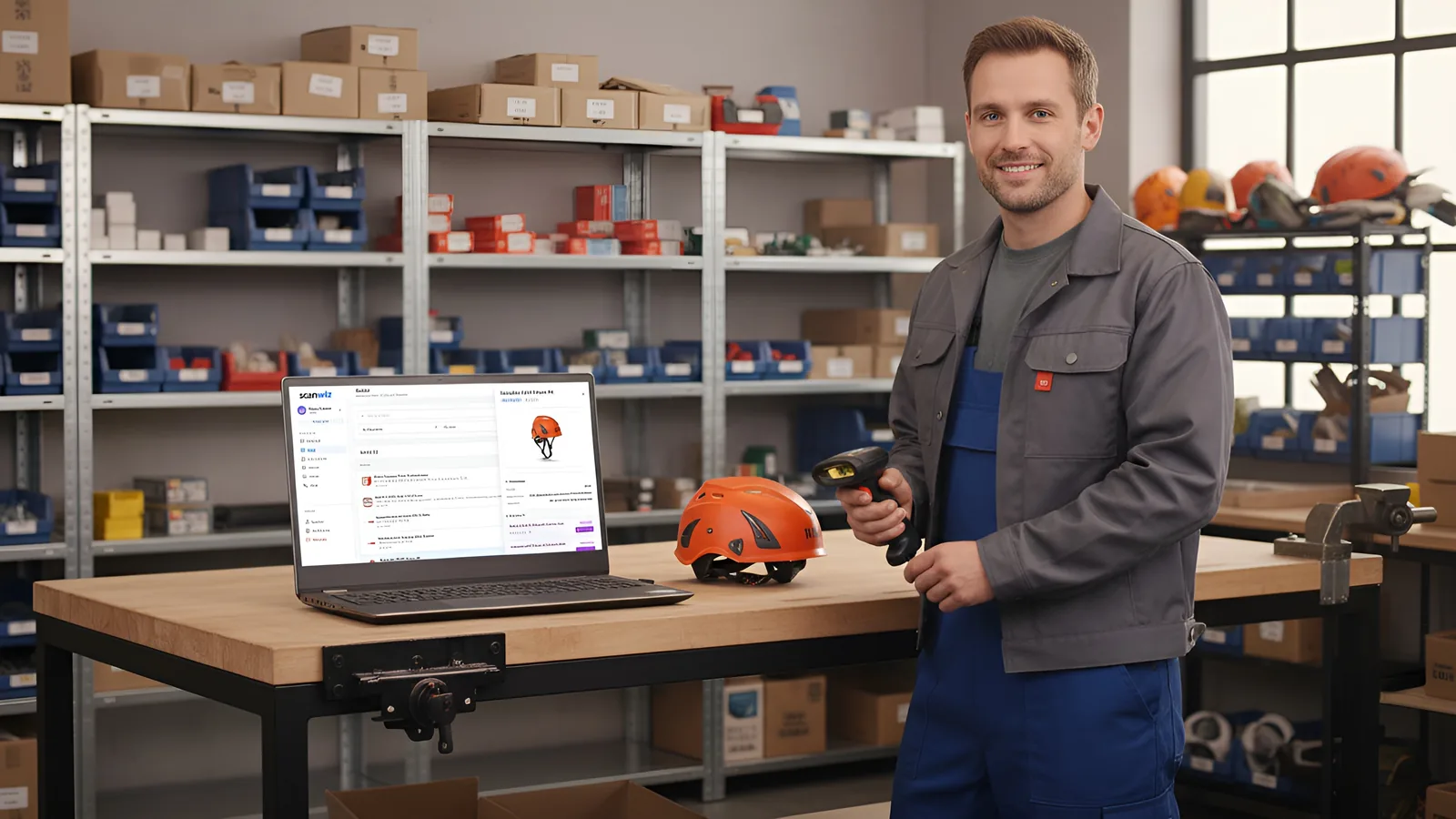
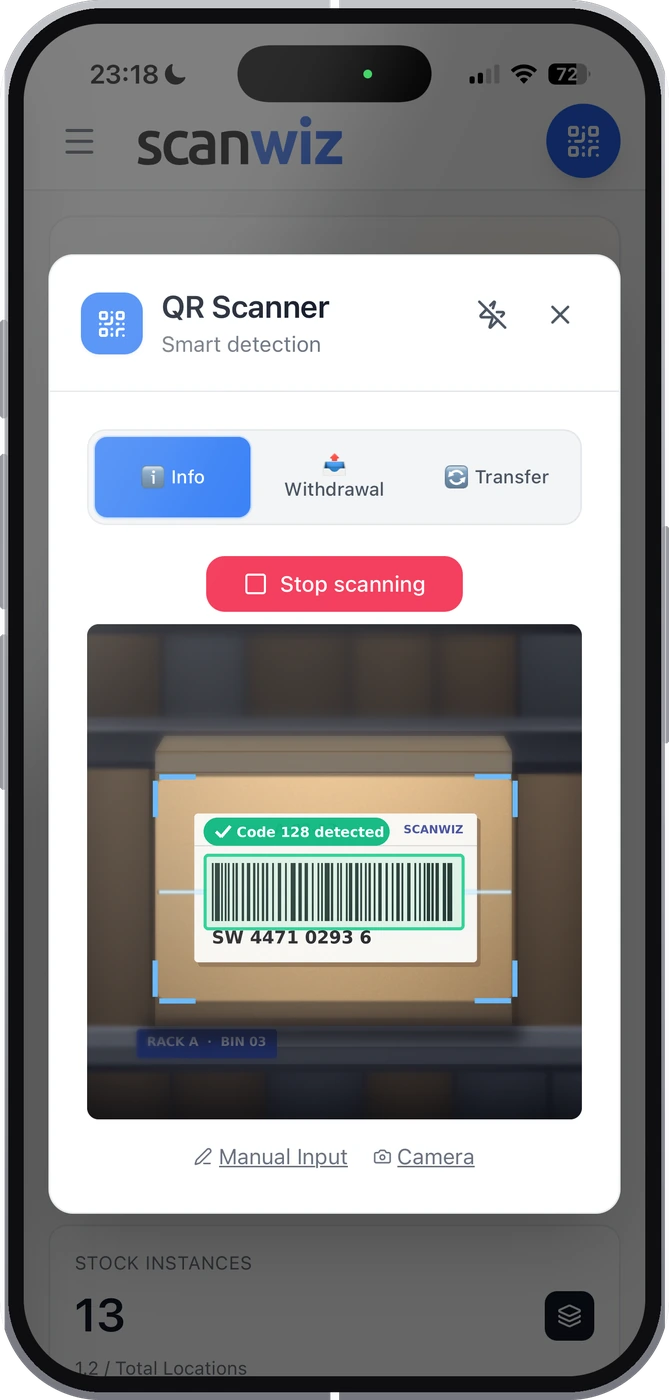
- Smartphone as scanner: the app automatically recognizes EAN, UPC, Code 128, GS1-128, Code 39, ITF-14, QR code, Data Matrix, PDF417 and Aztec.
- Reuse existing barcodes: store manufacturer barcodes and serial numbers instead of relabeling everything.
- Handheld scanners at the counter: USB and Bluetooth scanners that register as a keyboard work directly in the web app.
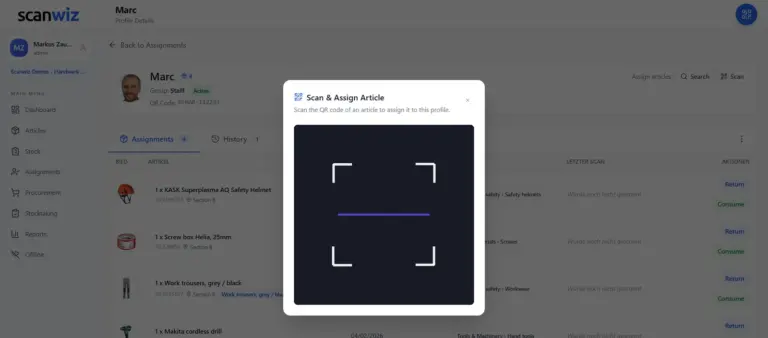
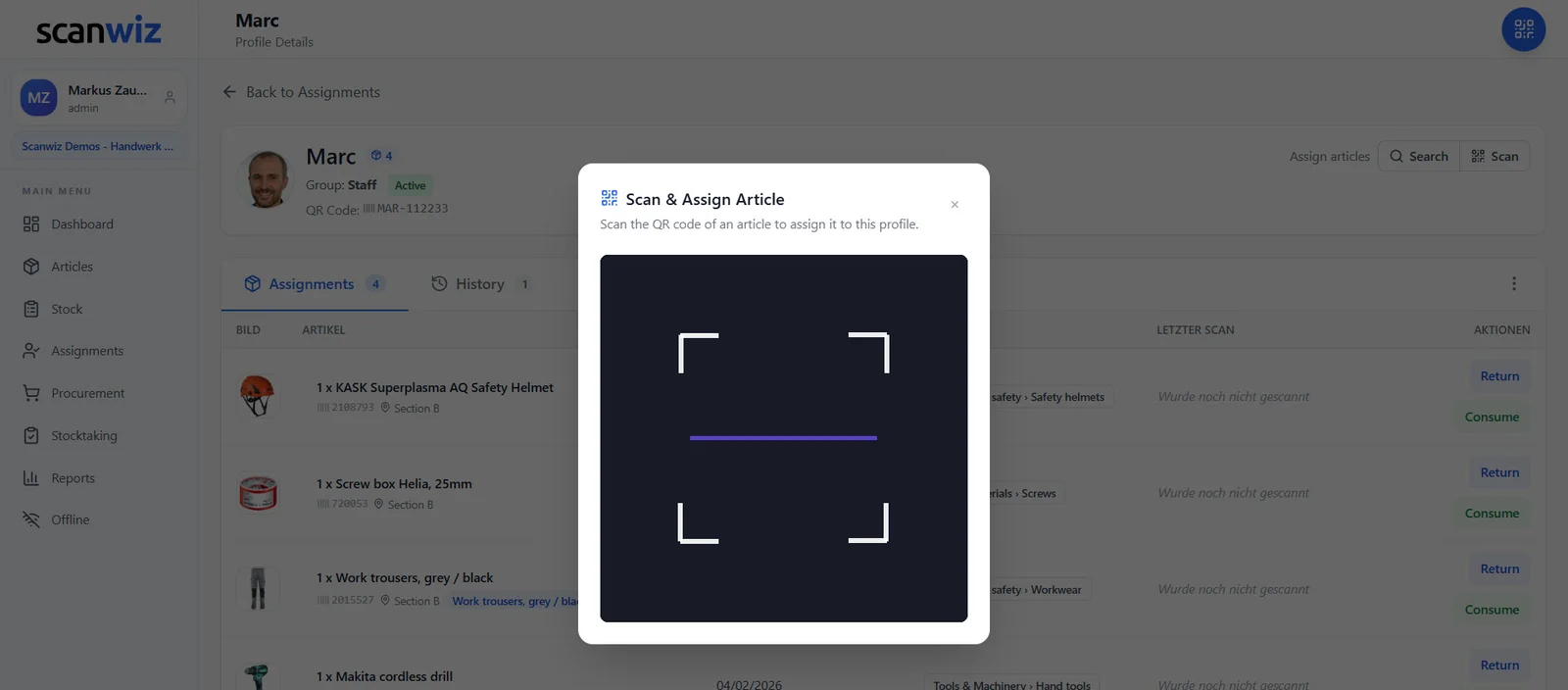
- NFC tags on equipment: in the Scanwiz app for iOS and Android, you link an NFC tag to a piece of equipment. After that, just hold your phone to the tag and the item opens directly in Scanwiz – handy for tools where labels don’t last long.
- Offline: scans are captured without signal and synced later.
Scanwiz isn’t built for bulk capture by UHF RFID with gates and antennas – and for the vast majority of stores in trades, practices and workshops, that’s not needed. More on scanning on the barcode scanner page and in the inventory management app. More than 250 businesses use Scanwiz, rated 4.9 out of 5 stars from more than 120 reviews on Capterra, GetApp and G2.
Frequently asked questions: RFID vs barcode
What’s the difference between RFID and barcodes?
A barcode is read optically and needs line of sight; each code is scanned individually. RFID works by radio without line of sight; with UHF RFID, many items can be captured at once from several meters. Barcodes are much cheaper and readable with any smartphone; RFID needs dedicated readers.
What’s the difference between NFC and RFID?
NFC is a form of RFID in the high-frequency band at 13.56 MHz with a range of a few centimeters. Most smartphones can read NFC. In a warehouse, “RFID” usually means UHF RFID with several meters of range and bulk reading, which needs dedicated readers.
Is RFID worth it for a small warehouse?
Usually not. For stores with individual withdrawals, a few thousand items and issuing to staff, barcodes and QR codes are cheaper and simpler. RFID pays off mainly when large quantities regularly need to be captured at once, such as at goods receipt or during stocktakes of very large inventories.
Can I read RFID with a smartphone?
Only NFC, i.e. short-range HF RFID. Smartphones can’t read UHF RFID as used in logistics and retail. That requires handheld readers, fixed antennas or gates.
Barcode or QR code – which is better for tools?
For labels you create yourself, usually the QR code: it’s compact, readable from any angle and, thanks to error correction, still scannable when slightly damaged. Where labels rub off quickly, NFC on-metal tags or engraved Data Matrix codes are the more durable choice.
Do NFC and RFID work on metal?
Normal stickers work poorly directly on metal because the metal interferes with the radio signal. On-metal tags with a shielding layer solve this. They’re slightly thicker and more expensive but read reliably on tools, machines and metal racking.
Conclusion: RFID vs barcode – the simplest solution that actually gets scanned
For most stores in trades, practices and workshops, the answer is clear: manufacturer barcodes for consumables, QR codes for bins and tools, and NFC where labels don’t last. UHF RFID shows its strengths when large quantities need to be captured without manual work – but then as a project with its own hardware. In the end, what matters isn’t the technology but that every movement actually gets scanned. And that works best with the tool everyone already has in their pocket.
Updated October 2026.
More than 250 customers already trust Scanwiz
Scan with the phone already in your pocket.
Capture barcodes, QR codes and NFC tags with a smartphone – no extra hardware, even offline. Start for free or let us show you in a personal demo how it would look in your store.



