
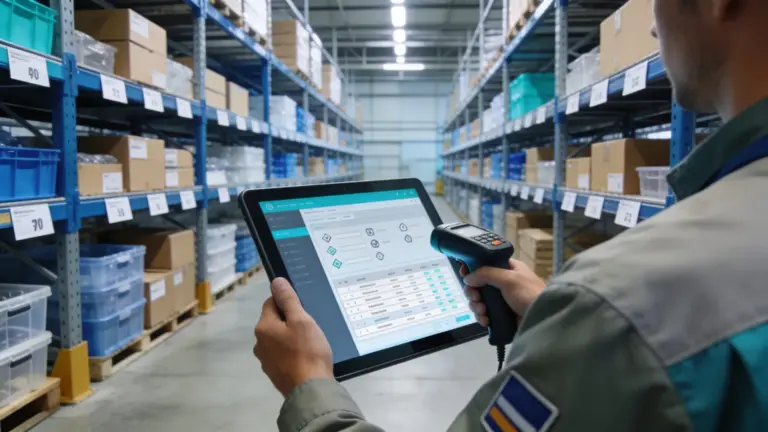
Item-level inventory management is the planning, organisation and control of every single item in the warehouse – so that you always know which item is stored where, in what quantity, and how it moves. It is the operational foundation for availability, lean stock levels and a stocktake that doesn’t take three days.
Key takeaways
- Item-level inventory management covers master data, locations, stock and movements of every item (SKU).
- Stock items are managed as quantities – tools and devices as individual assets with an asset number.
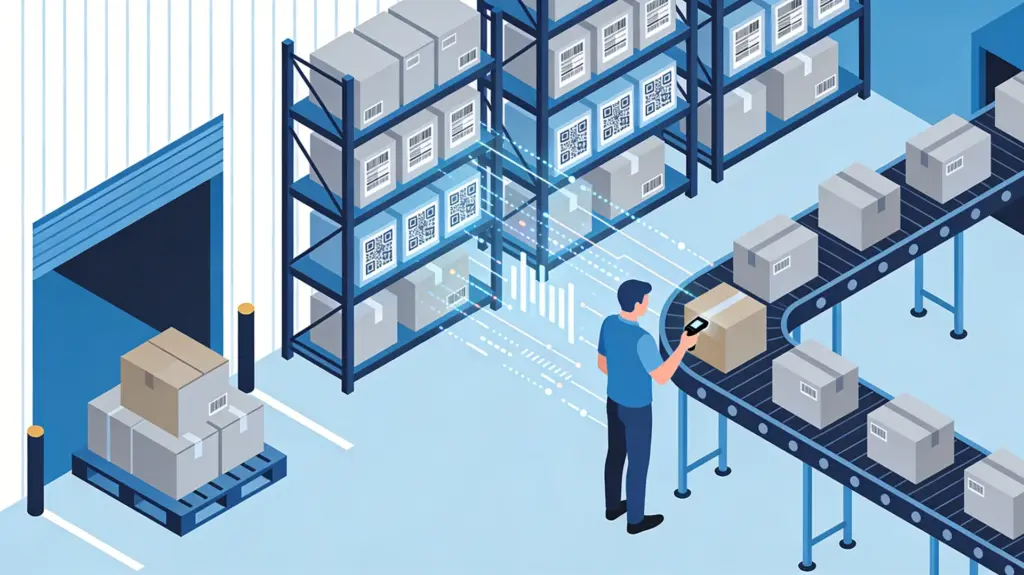
- Stock is only accurate if every movement is booked where it happens – at the shelf, by scan.
- Four KPIs are enough to start: turnover, days of cover, stock-out rate and stocktake variance.
Contents: Definition · Stock items vs. equipment · 5 building blocks · Daily tasks · KPIs · Introduce it in 5 steps · With Scanwiz · FAQ
Definition: what is item-level inventory management?
Item-level inventory management is the part of warehouse management that focuses on individual items, often called SKUs (stock keeping units). It covers the systematic recording, maintenance and control of master data, stock levels, storage locations and goods movements – today usually supported by warehouse management software.
A stock item is anything stored in quantities and consumed or passed on: screws and cables in the trades, spare parts in maintenance, supplies in a medical practice, food and drinks in hospitality.
Stock items vs. equipment and tools
| Stock item | Equipment / tool | |
|---|---|---|
| Managed as | Quantity (120 pieces, 8 rolls) | Individual asset with asset number |
| Key question | How much is where – and when to reorder? | Who has it, since when, and is it inspected? |
| Typical movement | Receipt, withdrawal, transfer, consumption | Check-out, hand-over, return, inspection |
| Controlled via | Minimum stock, ordering, stocktake | Assignment, inspection intervals, hand-over receipt |
| Examples | Wall plugs, gloves, spare parts, drinks | Hammer drill, laptop, ladder, measuring device |
The equipment side has its own discipline: equipment management with assignment to people, job sites or vehicles, plus maintenance and inspection intervals. Ideally one system handles both on the same locations – so there’s no second list.
The 5 building blocks
1. Item master data
| Field | Purpose | Example |
|---|---|---|
| Item number | Unique identification, basis for the barcode | WP-8-50 |
| Description | Searchable, consistent name | Nylon wall plug 8 × 50 mm |
| Unit | How it is counted and booked | Piece, pack (100), metre |
| Location | Where the item is stored | Hall 1 / Shelf B / Bin 3 |
| Minimum stock | When to reorder | 5 packs |
| Supplier and price | Ordering and stock value | €4.90 per pack |
| Code | Scan instead of type | EAN or your own QR code |
Depending on the industry, add variants (size, length, version), batches with expiry dates, photos or data sheets.
2. Storage locations
A clear location structure – site, hall, shelf, bin, but also vans and satellite stores – is what makes items findable. Ideally every location has its own scannable code.
3. Stock levels
Distinguish available (free to use), reserved (blocked for an order or internal request) and blocked stock (e.g. quality issue or expired).
4. Movements
Receipt, put-away, transfer, withdrawal, return, correction: every movement is logged with date, quantity, location and person. This history answers “why is the stock suddenly negative?”.
5. Reporting
Stock and movements become KPIs – stock value, consumption per cost centre, slow movers. Without clean movement data, these numbers are just estimates.
Daily tasks
- Goods receipt: check quantity and condition and book immediately.
- Put-away: fixed locations, fast movers within reach, heavy items low.
- Withdrawal: book every withdrawal – ideally by scan at the shelf or self-service at the counter.
- Internal requests: staff request material, the store reserves and issues it – see digital material requests.
- Transfers: material moves to vans, job sites or satellite stores – and stock moves with it digitally.
- Replenishment: monitor minimum stock and reorder before the shelf is empty.
- Stocktaking: reconcile book and physical stock – see stocktaking software.
The 4 most important KPIs
| KPI | Calculation | What it tells you |
|---|---|---|
| Inventory turnover | Annual consumption ÷ average stock | How often stock turns – low means tied-up capital |
| Days of cover | Current stock ÷ average daily consumption | How many days the stock will last |
| Stock-out rate | Withdrawals without stock ÷ all withdrawals | How often someone faces an empty shelf |
| Stocktake variance | (Actual − book) ÷ book | How reliable your daily bookings are |
An ABC analysis helps on top: the few A items that make up most of the consumption value get tighter minimums and more frequent counts; C items like screws are replenished as simply as possible. More in Manage warehouse consumables digitally.
Introduce it digitally in 5 steps
- Start with one area – workshop material, PPE or one branch.
- Clean up the item list: merge duplicates, standardise names and units. An existing spreadsheet is a good starting point.
- Create and label locations with codes.
- Label items with manufacturer codes or your own QR labels; count opening stock.
- Set the rule: “whatever leaves the shelf gets scanned”. After two to four weeks, refine minimum stock based on real consumption.
Typical pitfalls: booking at the desk instead of the shelf, recording only receipts, duplicate items, managing devices as quantities – and using a spreadsheet as the system. Where Excel falls short is shown in Scanwiz vs. Excel.
Item-level inventory management with Scanwiz
Scanwiz is inventory software with built-in equipment management for businesses that manage materials and tools in their own store – no ERP project, no months-long rollout. Every item and device runs on a barcode or QR code; stock is created while working, not while updating a table.
- Scan with your phone: EAN, Code 128, Data Matrix and QR via camera, tablet or existing scanner – even offline. See barcode scanner.
- Unlimited locations including vans, in every plan.
- Minimum stock, shopping list, purchase orders per supplier; goods receipt by scan.
- Self-checkout at the counter: staff scan their profile and the items – booked without a storekeeper.
- Stock items and equipment in one system, plus Excel import/export and reports.
More than 250 businesses use Scanwiz, rated 4.9 out of 5 from over 120 reviews. Users and locations are unlimited in every plan – see pricing, or explore solutions for craft and industry, medical facilities and hospitality.
FAQ
What is item-level inventory management?
It is the planning, organisation and control of every single item in the warehouse: its master data, locations, stock levels and movements, so you always know which item is where and in what quantity.
What data does a stock item need at minimum?
Item number, description, unit, location, minimum stock, supplier with price and a scannable code. Depending on the industry, variants, batches and expiry dates are added.
Are tools stock items?
Usually not. Tools and devices are managed as individual assets with an asset number, because what matters is who has them and when they are inspected. That is the job of equipment management.
Is Excel enough for item-level inventory management?
For a few items and one person, yes. As soon as several people withdraw stock or items are stored in several places, scanning, real-time stock and history are missing, and the list drifts away from the shelf.
How long does it take to introduce software?
With a lean solution like Scanwiz, a first area can be digital within a few days: import the item list from Excel, label locations and items, start scanning. Scanwiz can be tested free for 14 days without a credit card.
Conclusion
Item-level inventory management decides whether material is there when it’s needed and how much capital sits idle on the shelf. With clean master data, fixed locations, booked movements and a few KPIs, your warehouse becomes manageable stock – and the next stocktake becomes a formality.
Updated October 2026.
Over 250 customers already trust Scanwiz
Every item. Every location. One stock.
Stock levels, locations and movements in one app – booked by scan at the shelf. Start for free or book a personal demo to see how it works in your warehouse.


