
Glossary · Barcodes & labeling
What is an EAN or GTIN?
The 13 digits under the barcode on almost every package. They make a product unique worldwide – and are a gift for your warehouse, because you do not have to label them yourself. Here you will learn how the number is structured and how the check digit works.
In brief
The GTIN (Global Trade Item Number), formerly EAN (European Article Number), is a globally unique item number managed by the organization GS1. The most common form is the 13-digit GTIN-13, printed as a barcode on packaging. It consists of the GS1 prefix, company number, item number and a check digit.
EAN and GTIN: definition
In everyday use, EAN and GTIN mean the same thing. EAN was the original European name; since 2009 the number has officially been called GTIN. On the package it appears as a barcode with the digits underneath. Manufacturers buy a company number from GS1 and use it to assign numbers to their products.
Important: the GTIN identifies a product, not an individual item. All packs of the same item carry the same GTIN. For individual devices you therefore also need an asset number.
The variants at a glance
| Format | Digits | Used for |
|---|---|---|
| GTIN-13 (EAN-13) | 13 | Standard for products in Europe and worldwide |
| GTIN-8 (EAN-8) | 8 | Very small packages |
| GTIN-12 (UPC-A) | 12 | Products from the USA and Canada |
| GTIN-14 | 14 | Outer packaging and cartons with several units |
Numbers starting with 20 to 29 are reserved for internal use – for example for private labels or scale labels. If you want to number your own items, do not invent a GTIN, but use your own item number or a QR code.
Example: calculating the check digit of an EAN-13
- Add the digits in positions 1, 3, 5 …: 4+6+1+3+5+7
26 - Add the digits in positions 2, 4, 6 … and multiply by 3: (2+0+2+4+6+8) × 3
66 - Sum
92 - Difference to the next multiple of ten: 100 − 92
8
The complete EAN is 4260123456788. If a scanner misreads a digit, the check digit no longer matches – and the scan is rejected instead of recording the wrong item.
Check digit calculator
Enter 12 digits to calculate the check digit of an EAN-13 – or all 13 to check whether a number is valid. Also works with EAN-8.
Check digit
8
- Complete number4260123456788
The check digit is calculated using the modulo 10 method with weights 1 and 3.
Using EANs in your own warehouse
- No new labels: trade goods such as screws, silicone or gloves carry the EAN from the factory. Assign it to the item once, done.
- Goods receipt by scan: scan the pack, enter the quantity – instead of typing item numbers.
- Watch out for pack sizes: a single unit and a carton have different numbers. Decide which unit you store.
- Change of manufacturer: the same item from another manufacturer has a different EAN. One item can have several EANs.
4 typical mistakes with EANs
- Inventing your own EANs. Without a GS1 company number you may collide with a real product. Use your own numbers internally instead.
- Using the EAN as an asset number. Ten identical devices have the same EAN – you cannot tell them apart with it.
- Mixing up carton and unit. If you scan the carton but record units, quantities quickly go wrong.
- Losing the leading zero in Excel. Formatted as a number, Excel cuts off zeros. Always keep EAN columns as text.
EANs with Scanwiz
Scanwiz reads EAN barcodes directly with the phone camera in the app or with a USB or Bluetooth handheld scanner – just like QR codes, Data Matrix and Code 128. Where an item already carries a manufacturer code, you keep using it; for everything else, you print QR labels from Scanwiz. Existing item lists with EANs can be imported via Excel.
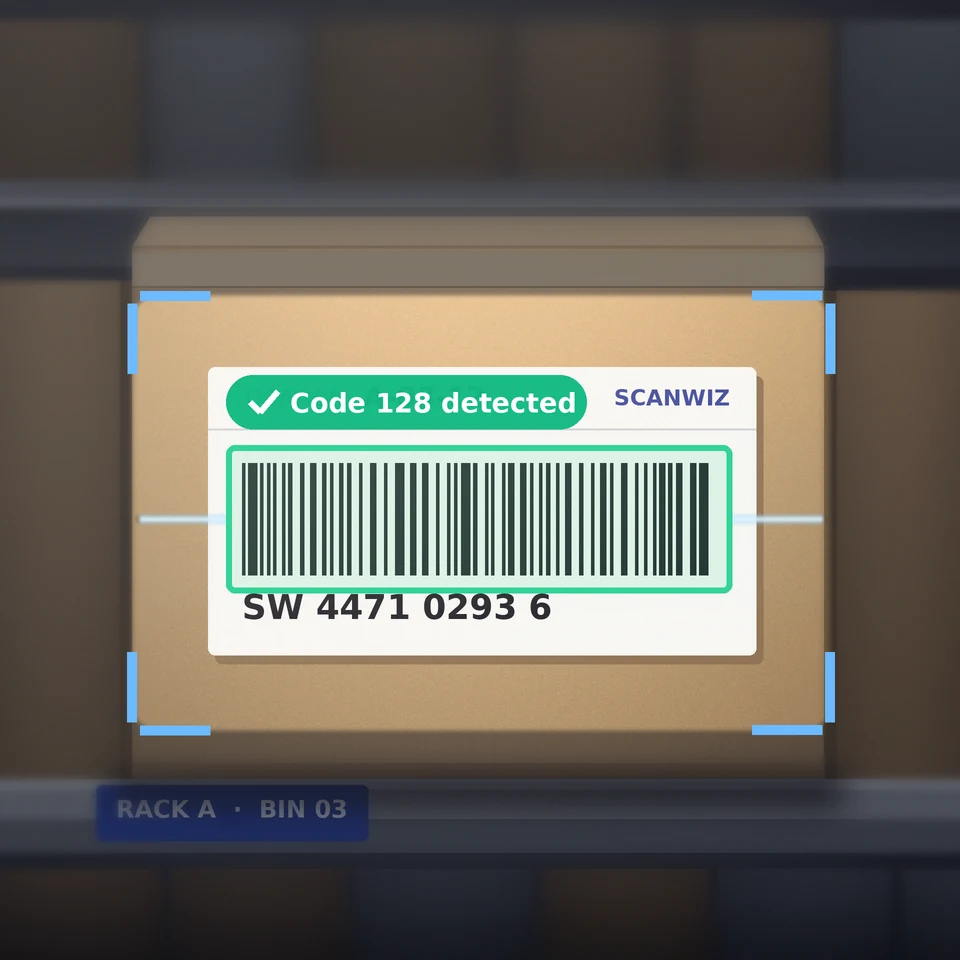
- Reads EAN, Code 128, QR code and Data Matrix
- Phone camera, USB or Bluetooth scanner
- Excel import for existing item lists
Learn more: Barcode scanner in Scanwiz.
Frequently asked questions about EAN and GTIN
What is the difference between EAN and GTIN?
In substance, none. EAN is the former name, GTIN the current official GS1 term. An EAN-13 is a GTIN-13.
How is an EAN-13 structured?
From the GS1 prefix, company number, item number and check digit. The length of the company and item number depends on how many numbers the manufacturer has acquired from GS1.
How do you calculate the check digit?
The digits are alternately weighted by 1 and 3 and added up. The check digit is the difference between the sum and the next multiple of 10.
Do I need my own EANs for my warehouse?
No. For internal use, your own item numbers or QR codes are enough. You only need your own GTINs if you bring products to market yourself.
Sources & methodology
- GS1: GTIN – Global Trade Item Number. gs1.org, accessed 10 November 2026.
- Wikipedia: International Article Number – structure and check digit. en.wikipedia.org, accessed 10 November 2026.
- Sample number: fictitious, calculated by Scanwiz.
Updated November 2026 · Scanwiz editorial team
More from the glossary
Related to the EAN.
Over 250 customers already trust Scanwiz
From the glossary to your warehouse – Scanwiz does the rest.
Minimum stock, stocktakes, inspection intervals and batches run automatically in Scanwiz as part of your daily work. Try it free for 14 days with your whole team – no credit card required. Or let us show you everything in a personal demo.


