
Glossary · Barcodes & labeling
What is a QR code?
The black-and-white square that any phone camera can read. In the warehouse, the QR code is the easiest way to make shelves, items and tools scannable. Here you will learn how it is structured, how big it needs to be and what matters for the label.
In brief
A QR code (Quick Response code) is a two-dimensional code made of square modules that stores numbers, text or links. It was developed by Denso Wave in 1994 and is standardized in ISO/IEC 18004. Three finder patterns make it readable from any angle, and error correction keeps it readable even when damaged. Any smartphone camera can scan it without an extra app.
QR code: definition
A classic barcode stores information in only one direction – in the width of the bars. A QR code uses both directions and therefore holds much more in a small area. For the warehouse this means: an asset or item number fits on a label of just over one centimeter per side.
The QR code was developed for the automotive industry to capture components quickly. It only became known worldwide when smartphones could read it directly with the camera.
Structure and capacity
- Finder patterns: three large squares in the corners show the scanner the position and orientation.
- Data area: the small modules contain the actual information plus check data.
- Quiet zone: a light border four modules wide around the code. If it is cut off, the scan fails.
- Versions: from 21 × 21 to 177 × 177 modules. The more content, the more modules and the bigger the code has to be printed.
| Error correction | Recoverable | Use |
|---|---|---|
| L | approx. 7% | Clean environment, maximum content |
| M | approx. 15% | Standard for most labels |
| Q | approx. 25% | Workshop, light dirt |
| H | approx. 30% | Harsh environment, construction site |
How big does a QR code need to be?
Rule of thumb: the side length should be at least one tenth of the scanning distance. Short content such as an asset number can be printed smaller than long links.
| Scanning distance | Side length from | Typical for |
|---|---|---|
| 10 cm | 1 × 1 cm | Tools, small parts |
| 20 cm | 2 × 2 cm | Inventory, folders, devices |
| 50 cm | 5 × 5 cm | Shelf bins |
| 1 m | 10 × 10 cm | Shelf ends, hall locations |
Example: shelf storage at a building services company
The business labels in two steps: first the storage locations, then the items.
- QR codes for bins, 50 cm reading distance
160 × 5 cm - QR codes for items without a manufacturer code
≈ 180 × 2 cm - Items with the manufacturer’s EAN
≈ 270, no label needed - Printing on film labels, laser printer
1 morning
Because more than half of the items already carry a manufacturer barcode, only some need new labels. Withdrawals and stocktakes then run by scan: scan the bin, scan the item, confirm the quantity.
QR code and other labeling options
| Technology | Strength | Weakness |
|---|---|---|
| QR code | Any phone can read it, lots of content, robust | Needs line of sight |
| Data Matrix | Smallest, fast with a scanner | Not every camera app reads it |
| EAN barcode | Often already there from the manufacturer | Little content, needs width |
| NFC | No line of sight needed, robust | Tags cost money, not on metal without special tags |
| RFID | Many parts at once, from a distance | Own hardware, high entry costs |
You will find the detailed comparison with costs and use cases in the guide Barcode, QR code, NFC or RFID.
4 typical mistakes with QR labels
- Cutting off the quiet zone. The light border is part of the code. Without it, the scanner cannot find the code.
- Printing with “fit to page”. The code then shrinks unnoticed. Always print at actual size.
- Encoding long links. The more content, the finer the modules. For the warehouse, the number is enough.
- Paper in the workshop. Oil, dust and friction quickly destroy paper labels. Use film or laminate.
QR codes with Scanwiz
In Scanwiz every item, device and storage location gets a QR code. You print labels directly from Scanwiz – or free of charge without signing up with our generator. Scanning is done with the phone camera in the app for iOS and Android or with a USB or Bluetooth handheld scanner. Besides QR codes, Scanwiz also reads Data Matrix, Code 128 and EAN.
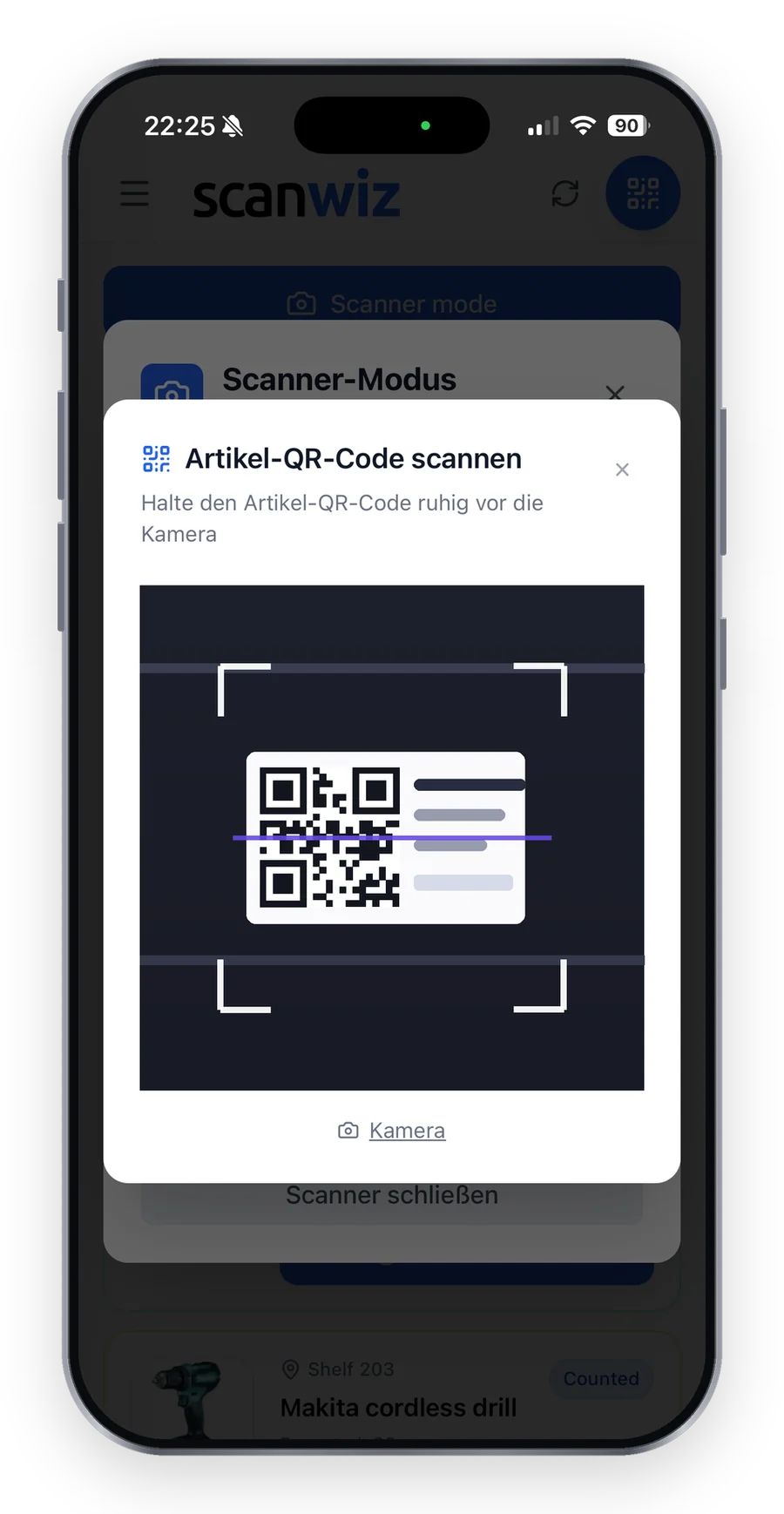
- QR code for items, devices and storage locations
- Print labels directly from Scanwiz
- Scan by phone, USB or Bluetooth scanner
Try it for free: Create QR code labels – up to 100 labels per PDF.
Frequently asked questions about QR codes
What is a QR code?
A two-dimensional code made of square modules that stores numbers, text or links. It is standardized in ISO/IEC 18004 and can be read with any smartphone camera.
How much fits in a QR code?
In the largest version, up to 7,089 digits or 4,296 alphanumeric characters. For warehouse labels, a short number is enough – the less content, the smaller and more robust the code.
What is the minimum size of a QR code?
As a rule of thumb, one tenth of the scanning distance: for a distance of 20 cm, about 2 × 2 cm.
What is the difference between a QR code and a barcode?
A barcode stores information only in the width of the bars and holds few characters. A QR code uses both directions, holds much more, can be read from any angle and has error correction.
Sources & methodology
- Wikipedia: QR code – structure, versions, error correction. en.wikipedia.org, accessed 10 November 2026.
- ISO/IEC 18004 – QR Code bar code symbology specification.
- Size table and example: practical values from Scanwiz.
Updated November 2026 · Scanwiz editorial team
Over 250 customers already trust Scanwiz
From the glossary to your warehouse – Scanwiz does the rest.
Minimum stock, stocktakes, inspection intervals and batches run automatically in Scanwiz as part of your daily work. Try it free for 14 days with your whole team – no credit card required. Or let us show you everything in a personal demo.


